
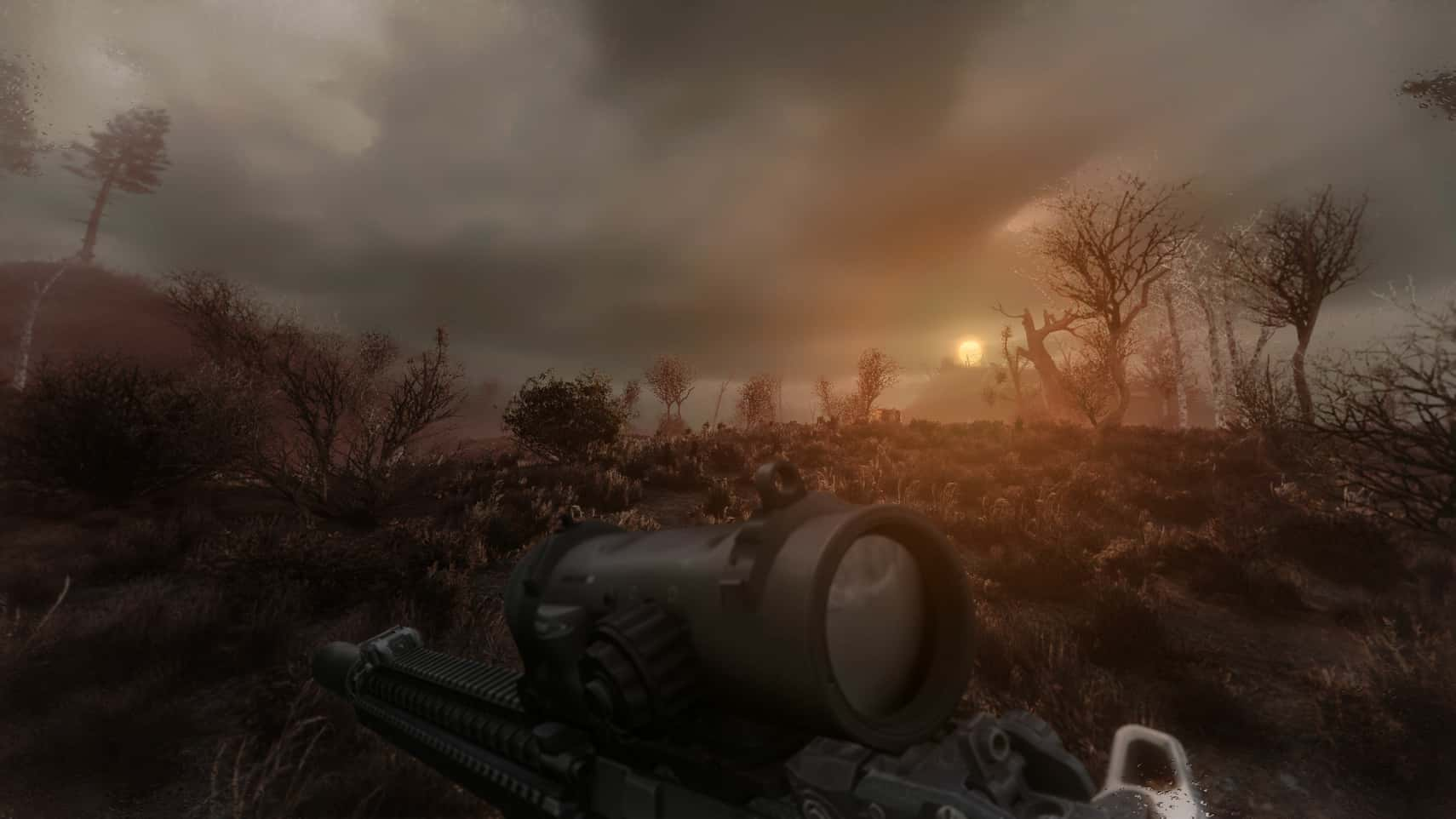
Traffic searches for stalker gamma stuttering have spiked over +130% because X-Ray 64-bit engines combine dense AI scripts, massive texture packs, and single-thread bottlenecks unless configured properly. Apply these verified 0.9.5 engine tweaks, CPU scheduling fixes, and video settings cleanly in order.
1. Use GAMMA 0.9.5 MT-TEST Multithreading & Core 0 Affinity Fix
G.A.M.M.A. 0.9.5 introduced the MT-TEST_2026.5.5 engine build alongside built-in inventory lag reducers (Patchnotes.md):
- Core 0 Uncheck (Process Affinity Fix): Even with Modded Exes multithreading, legacy X-Ray threads still saturate CPU Core 0. Open Process Lasso (recommended) or Windows Task Manager -> Details -> right-click
AnomalyDX11AVX.exe-> Set affinity -> uncheckCPU 0. This alone eliminates many rhythmic 1-second micro-stutters on Ryzen/Intel CPUs. - Avoid Stash Open Freezes: Keep the built-in Inventory Open Lag Reducer enabled in MO2 (
G.A.M.M.A.default profile) and break large stashes into separate Hideout containers if storing hundreds of weapon/armor parts in a single backpack. - Turn Off Core-Heavy Companion / Debug Logs: Verify in MCM (
axr_options.ltxdefaults) that logging toggles (debug/logging,smr_debug_log,debuglogs_enabled) remainfalseduring normal runs.
2. Graphics Settings That Destroy FPS Without Visual Payoff
Inside S.T.A.L.K.E.R. Anomaly / GAMMA Video Settings (Options -> Video -> Advanced), adjust these exact sliders first before lowering textures:
| Setting | Recommended Setting | Why It Fixes Stutters / FPS Drops |
|---|---|---|
| Grass Density & Grass Render Radius | Medium / 0.25–0.40 density, 70–100m radius | Single largest FPS tax in Swamp, Cordon, and Red Forest. Cutting extreme grass range saves 20–40 FPS immediately. |
| Grass Shadows | OFF | Prevents casting dynamic shadow maps onto thousands of grass blades every frame. |
| Shadow Map Resolution | 2048 (r2_smap_size) | 4096 / 8192 stresses VRAM heavily during dawn/dusk sunshafts with minimal perceptual difference. |
| SSAO / HBAO / SSR / Volumetric Lights | HBAO Low / Medium; SSR Low or Off | Heavy pixel shader pass across wet surfaces—pair cleanly with Atmospherics rather than cranking every Ultra toggle. |
| MSAA / Antialiasing | OFF or SMAA via ReShade | MSAA multiplies deferred shading cost dramatically in DX11 X-Ray; use TAA/SMAA or slight sharpening instead. |
| Shader Cache Clear | Run only on major updates / driver swaps | Do not wipe shader cache on every launch (causes initial stutters while compiling DX11 shaders in each map). |
3. Crash & Exception Troubleshooting Checklist
- Always launch via
ModOrganizer.exeusingAnomaly (DX11-AVX), never directly viaAnomalyLauncher.exeoutside MO2. - Exclude both
C:\AnomalyandC:\GAMMAin Windows Defender / Antivirus (task-schedulerreal-time scans stall.ddsand.ltxdisk reads during combat spawns). - Out-of-Memory (
not enough storage/ Pagefile CTD): Ensure Windows Virtual Memory / Pagefile is manually set on an SSD (e.g.,20 GB – 40 GBfixed or system-managed on SSD with ample free headroom—remember GAMMA needs 150–200 GB disk space anyway). - ReShade / Shader Crashes on Boot: Disable ReShade / DX9 fallback swaps if running older DX10/Intel GPUs, or test cleanly by disabling optional Shaders cumulative pack tweaks.
- AMD / Linux Vulkan Gains: On Linux (
gamma-launcher+ Bottles/Proton) or certain GPUs, DXVK reduces draw-call stutter noticeably when DX11 single-thread driver overhead spikes.
For complete disk cleanup or fresh reinstall steps, check How to Install & Uninstall STALKER GAMMA. For patch-level performance changes, see GAMMA 0.9.5 Update Notes.